
Downloading MapifyPro
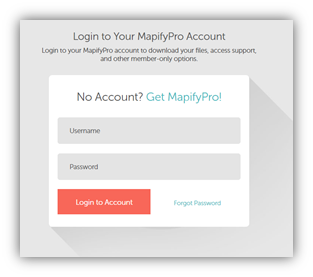
- Log in to your MapifyPro account at https://mapifypro.com/my-account.
-
Click on API Downloads (from the left-hand side menu).
-
Once in the API Downloads menu, choose the updated MapifyPro version then click on Download. This will open a dialogue box for the zip file to be saved.
-
Save the zip file in a convenient location as this will need to be uploaded and installed into your WordPress site.
Installing MapifyPro
The guide for MapifyPro installation is found here.