
Resetting your WordPress Admin Password
-
Go to your WordPress login page (e.g. wordpressite.com/wp-admin).
-
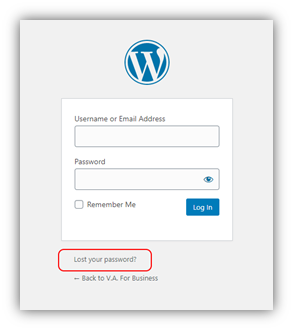
Click on Lost your password? found at the bottom of the login screen.
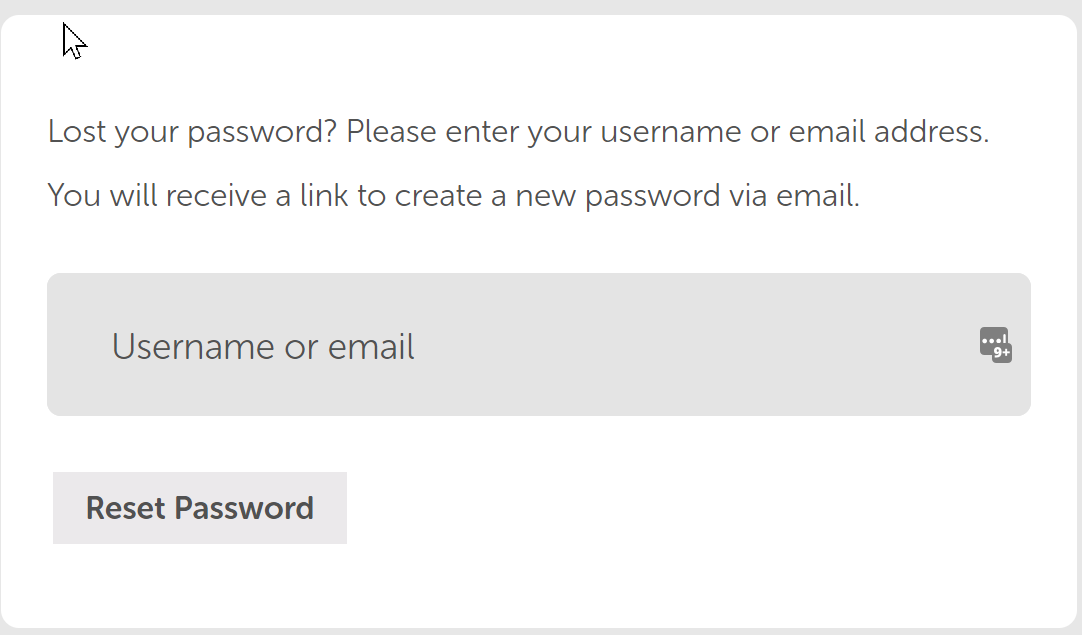
- Enter your WordPress Username or Email Address of your WordPress admin user, then click on Get New Password.
-
You will receive an email with the subject [WordPress Site] Password Resetwhich contains the link to reset your password.
-
Click on that link where you will be allowed to enter your new password (and confirmed password).