Symptom
When you are scrolling down the page, the scolling pauses when you reach a map, and causes the map to zoom.
Explanation
The mouse focus is now upon the map, and mouse zoom now takes priority over mouse scroll.
Resolution
Disable mouse scroll using the following steps:
- Open the Map in MapifyPro that you wish to change
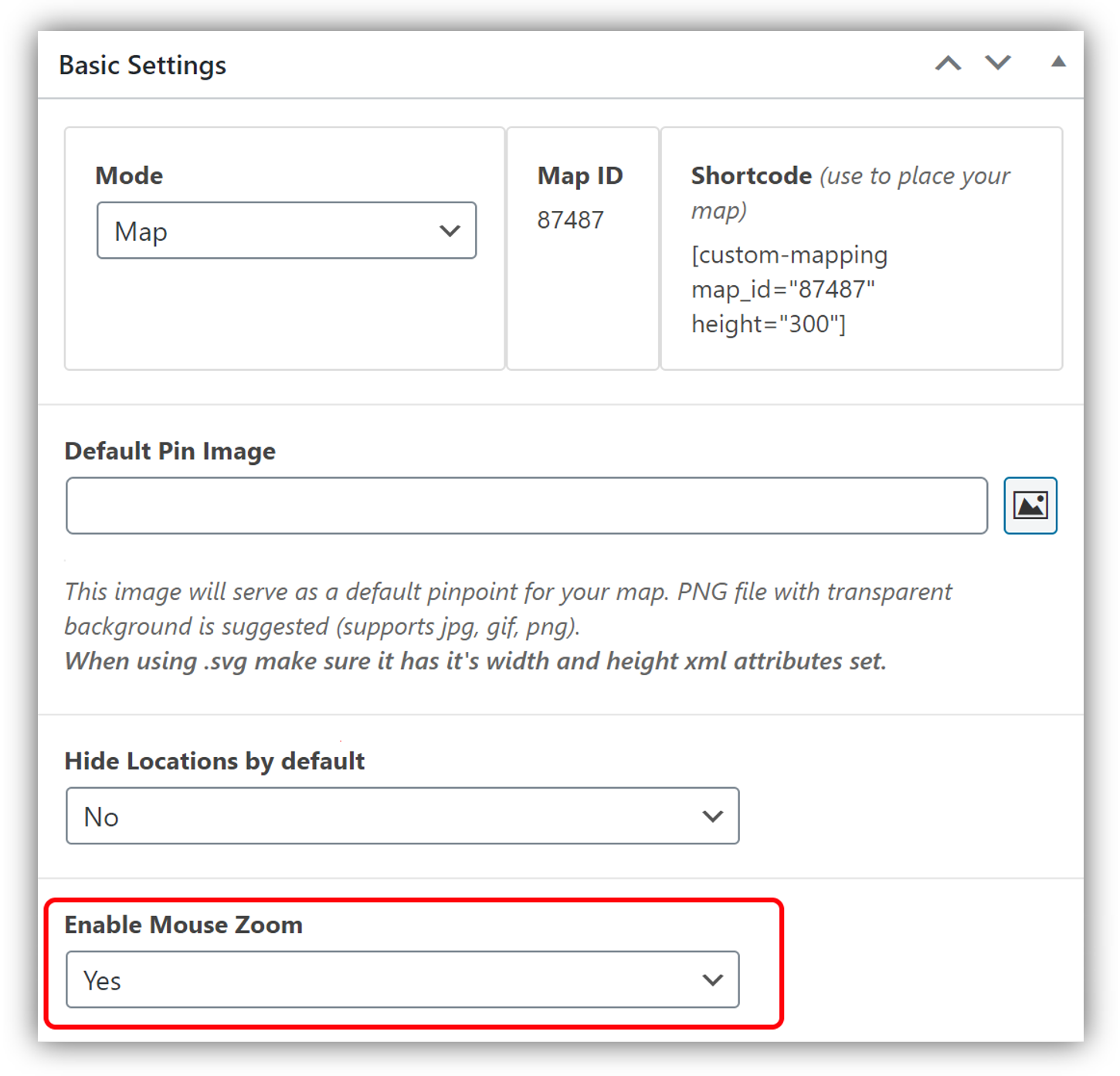
- Beneath Basic Settings, locate Enable Mouse Zoom.
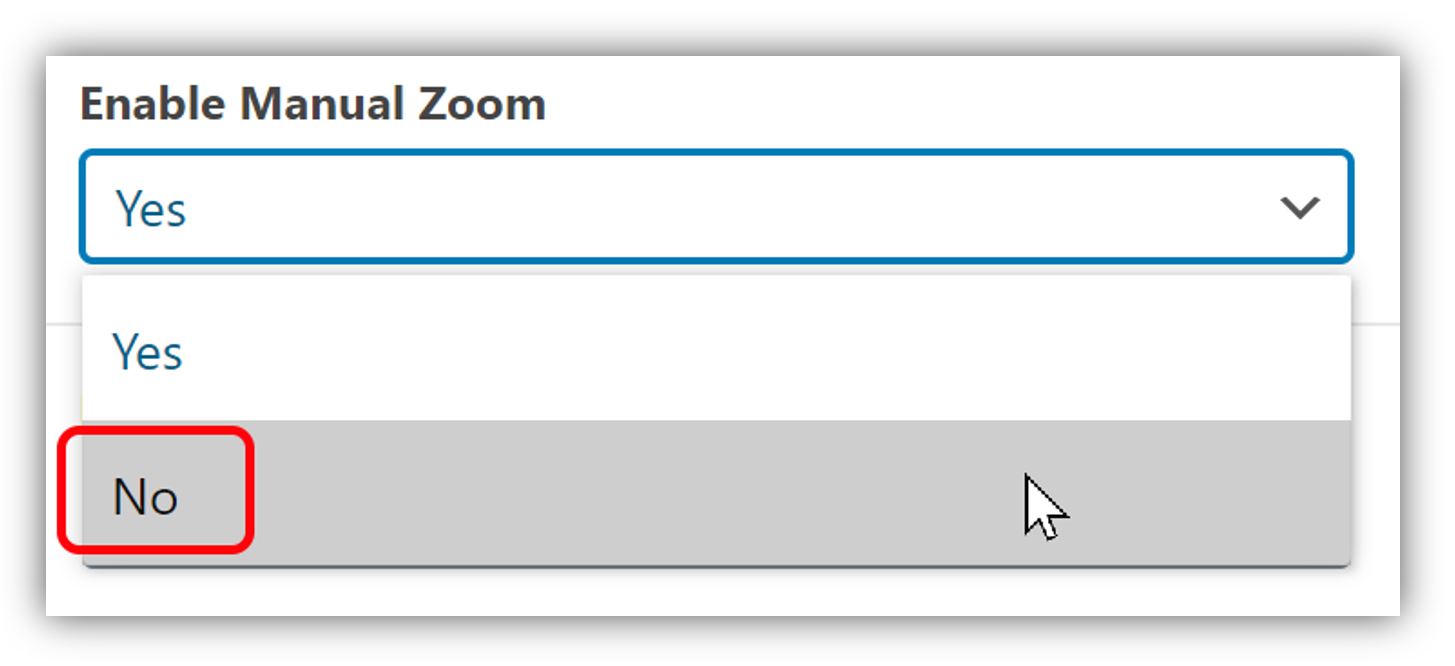
- Change this to No.